Home / Smart Exhibition Hall Services / Smart Port Safety Training System
Smart Port Safety Training System
Seven systems · assessment → learning → practice → evaluation → management
7core systems
26terminals
48assessment items
8VR scenarios
Combining AI personality assessment, immersive VR training, digital-twin command and legal scenario simulation into a closed-loop port safety training system.
01 Personality Assessment AI Engine
02 Smart Port Academy Learner Portal
03 Digital Twin Teaching Command System
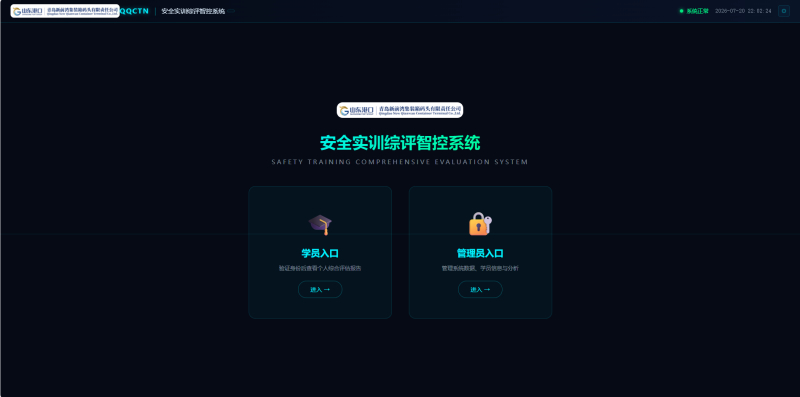
04 Safety Training Comprehensive Evaluation Intelligent Control System
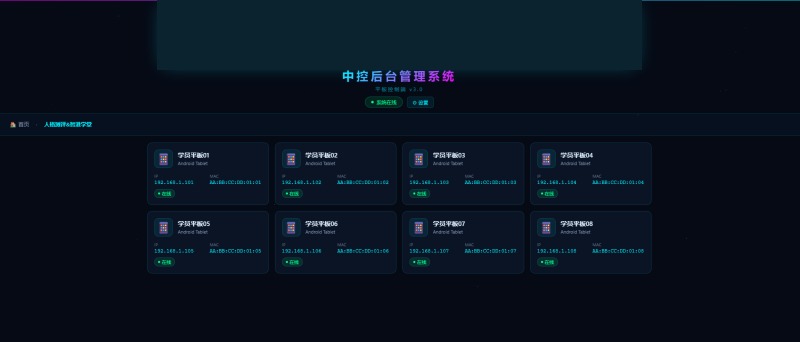
05 Central Control Backend Management System
06 VR Panoramic Interactive Training System
07 VR Legal Scenario Simulation System
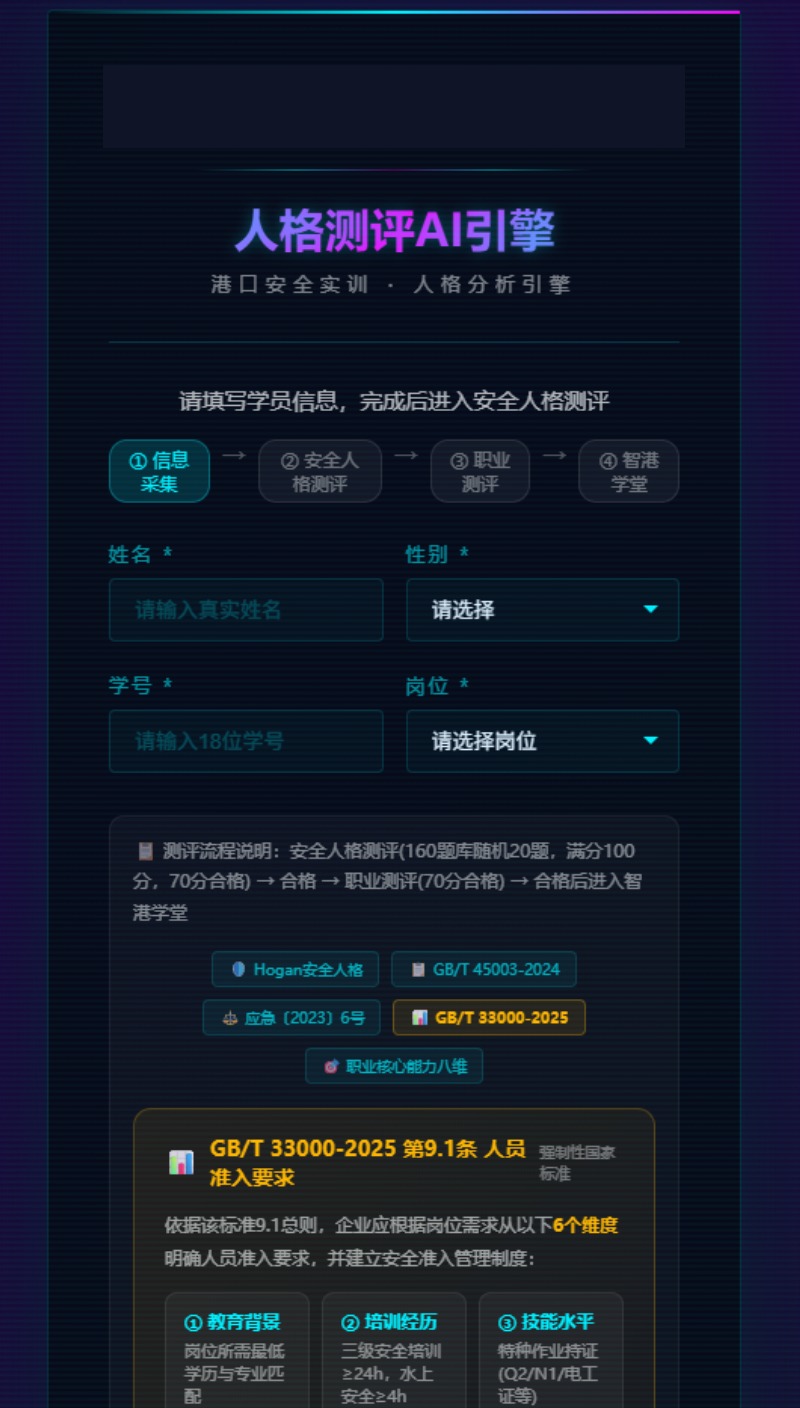
01 Personality Assessment AI Engine
System workflow
- Scan QR code to log in
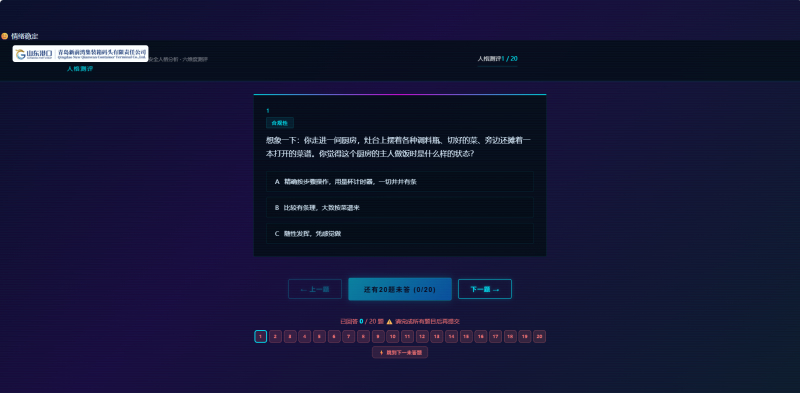
- 48-question assessment
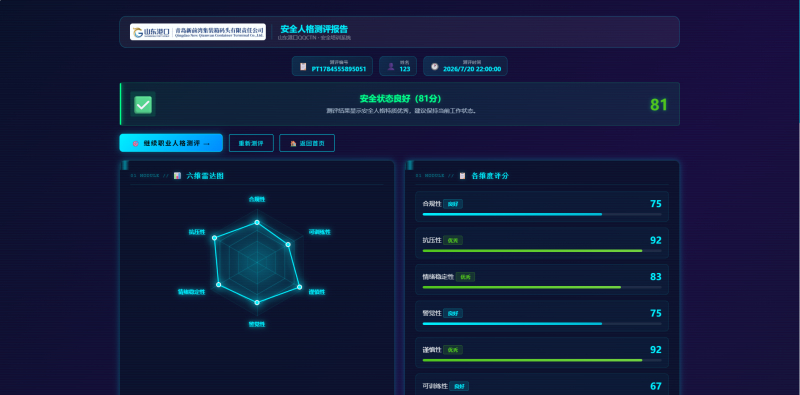
- AI analysis
- Generate personal profile
- Matching Training Courses
Key Highlights
- 🔬 Pure front-end AI inference; analysis can be performed without internet access
- 📊 Each question is worth 5 points; full score 100; passing score 70
- 🔗 Results directly link to Zhigang Academy course recommendations
- 🎨 Cyberpunk UI style with an industrial-grade professional feel.
- Accurately identify trainees' safety weaknesses, personalize training paths, and move away from one-size-fits-all training.
Screenshots
02 Smart Port Academy Learner Portal
System workflow
- Log In
- Course Selection
- Video learning
- Question Bank Practice
- Mock exam
- View Scores
Key Highlights
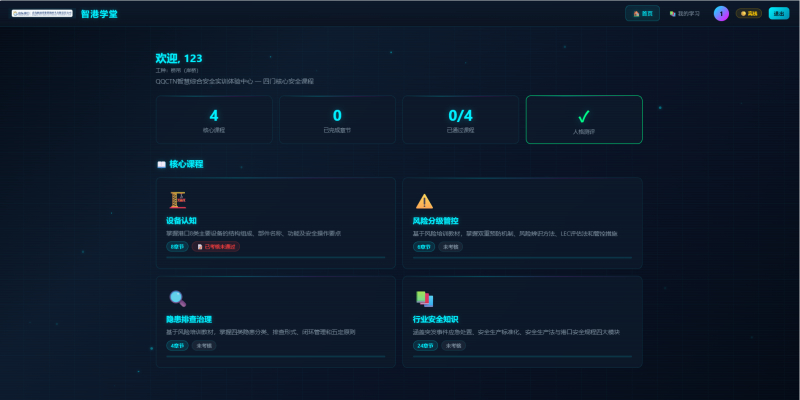
- 📌 V13.5 is mature and stable
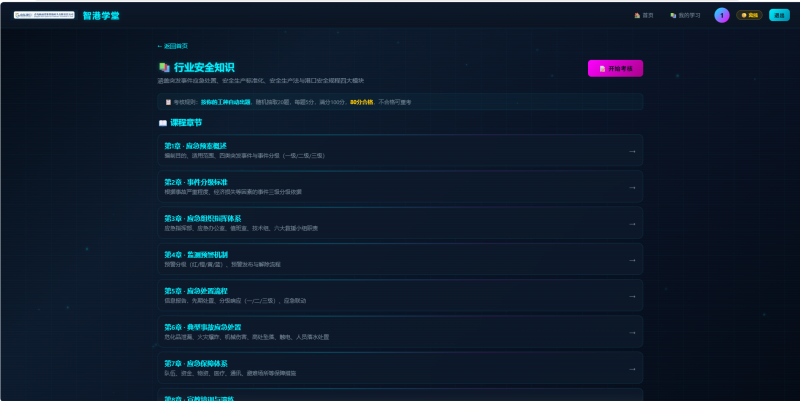
- 📈 Grades integrated with the comprehensive evaluation system; teachers can track
- 📴 Supports offline caching; works in weak network environments
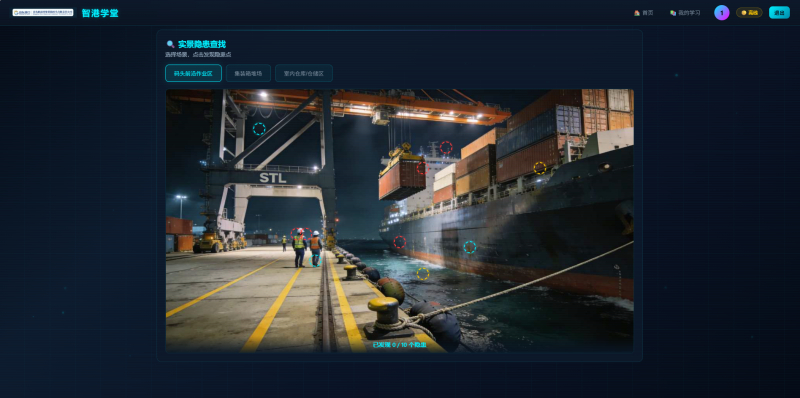
- 🔍 Real-scene hazard identification feature (directly visible on the course details page)
- One-stop port safety training with integrated learning, practice, and assessment, and full-chain data connectivity
Screenshots
03 Digital Twin Teaching Command System
System workflow
- Teacher Login
- Select Class/Course
- Real-time Trainee Monitoring
- Issue Instructions
- View Statistical Reports
Key Highlights
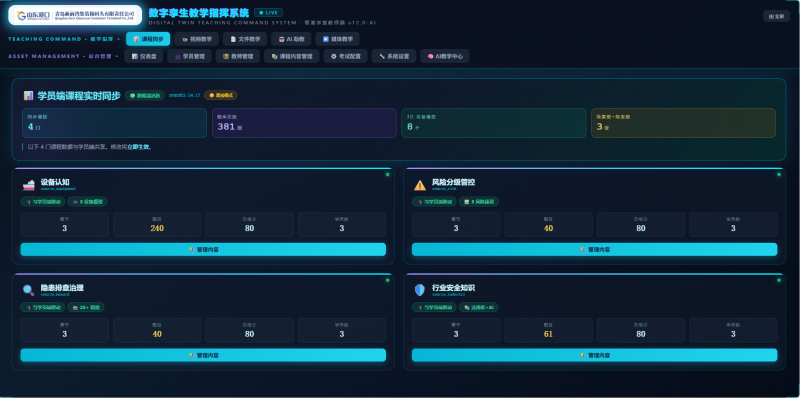
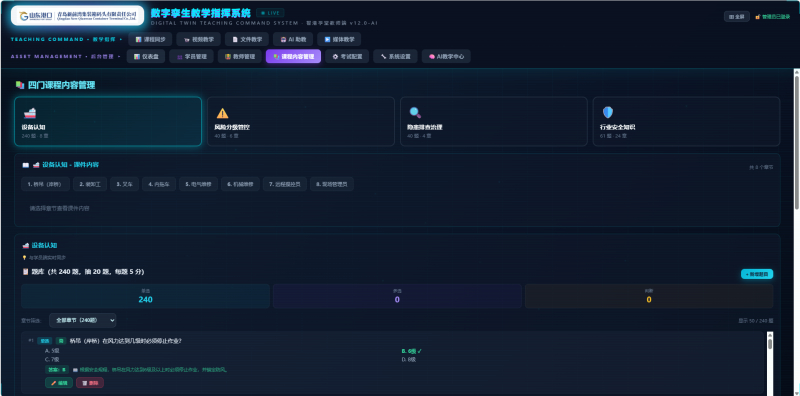
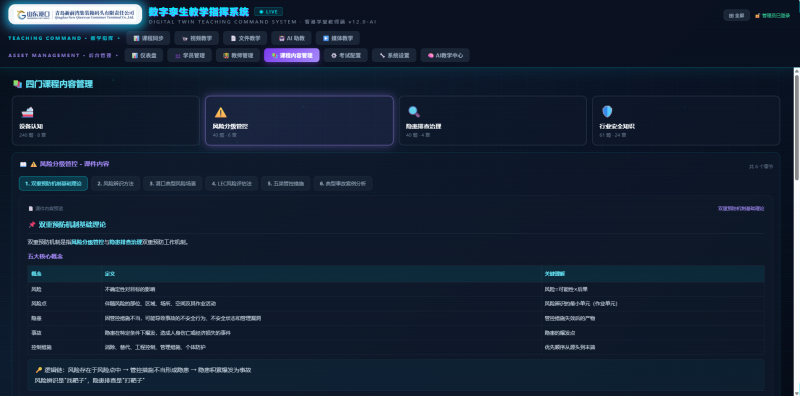
- 🔗 100% synchronized with the Zhigang Academy course question bank
- 🎮 Built-in device interaction control
- 🔍 Integrated hazard identification practical training
- 📺 Multi-screen linkage (1 host + 4 touchscreens)
- ⚙️ Backend control of courses/question banks for the teaching frontend and trainee portal
- Overall teaching control, real-time data visualization, and multi-screen coordinated command
Screenshots
04 Safety Training Comprehensive Evaluation Intelligent Control System
System workflow
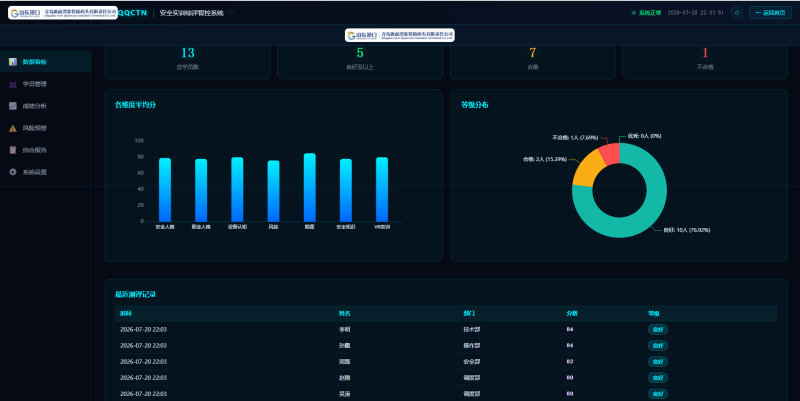
- Data Aggregation
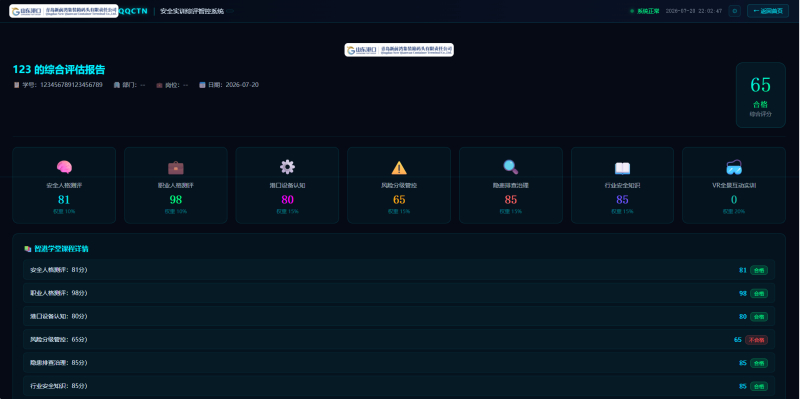
- Multi-dimensional Assessment
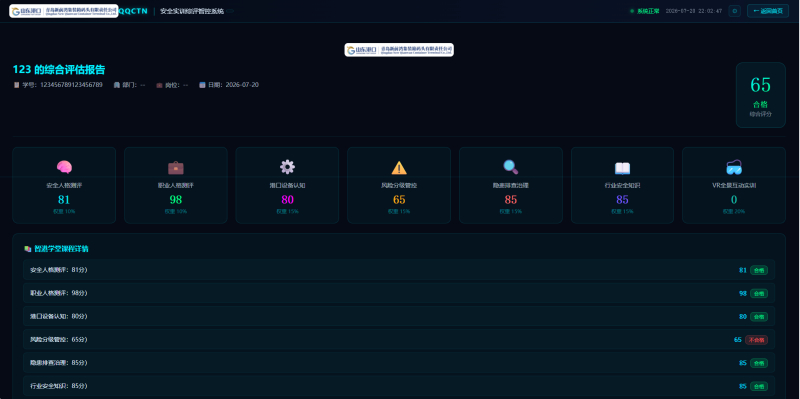
- Generate report
- Trend Analysis
- Warning Alert
Key Highlights
- 🗄️ Aggregates all training data from 7 systems
- 📊 Multi-dimensional assessment model
- 📋 Individual/class/company three-level reports
- 🎯 Safety capability radar chart
- ⚠️ Trend warning feature
- Data-Driven Safety Management with One Profile per Person and Full-Cycle Tracking
Screenshots
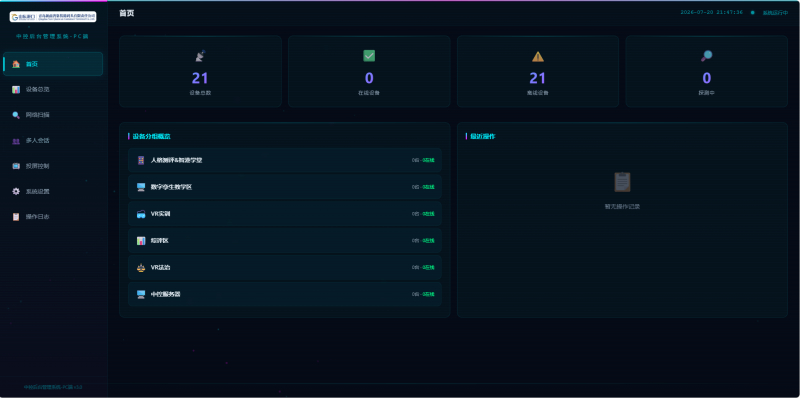
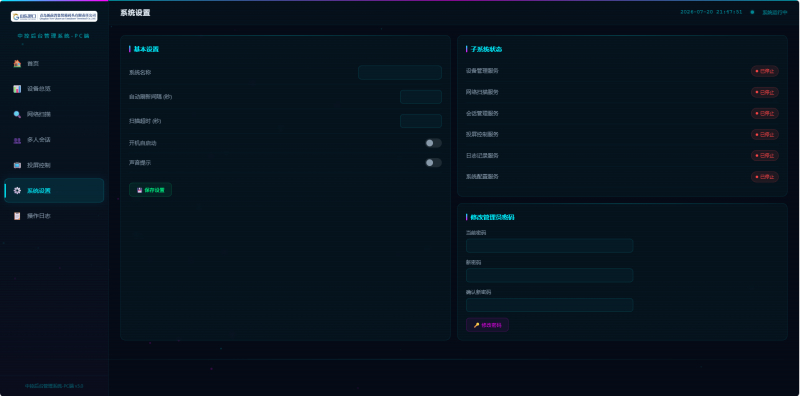
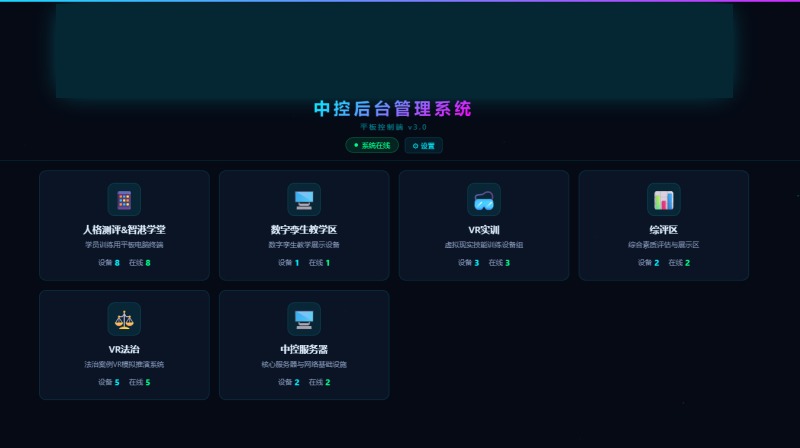
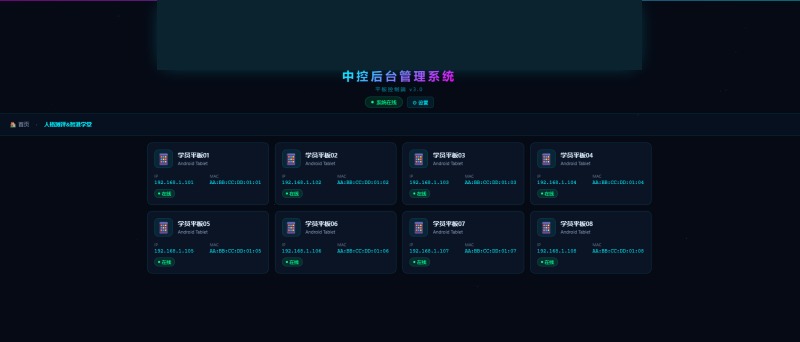
05 Central Control Backend Management System
Key Highlights
- 🔄 PC + tablet dual-device collaboration
- 📡 WebSocket real-time communication
- 📟 Real-time device status monitoring
- 👥 Batch user/course management
- 🔃 One-click data synchronization
- Stay in control anytime, anywhere, with seamless PC and tablet collaboration.
Screenshots
06 VR Panoramic Interactive Training System
Eight Core Scenarios
- 🏗️
- Quay Crane Operation
- 🏗️
- Yard Crane Operation
- Container Hoisting
- Forklift Operation
- ☣️
- Dangerous Goods Handling
- Working at Heights
- Hazard Identification
- AGV operation
Three Training Modes
- VR practical training mode
- Fully immersive VR experience with realistic port environment interaction
- 🖥️
- 3D Training Mode
- PC-based 3D scenarios and keyboard/mouse operation practical training
- Panoramic Video Mode
- 360° Panoramic Video, Observation and Learning
10-Step Operation Process (Taking Quay Crane Loading and Unloading as an Example)
- Steps
- Operation Phase
- Score
- Key assessment points
- Operation Preparation
- 5 points
- Check protective equipment
- Receive instructions
- 5 points
- Confirm container number and slot
- Direct the quay crane into position
- 10 points
- Signal Flags / Hand Signal Command
- Guide rope hook-up
- 15 points
- Guide rope tying methods and safe positioning
- Lifting supervision
- 15 points
- Confirm the lock head and send a signal
- Loading/Positioning
- 15 points
- Command hand signals and positioning accuracy
- Unhooking and Evacuation
- 10 points
- Unhooking sequence, site cleanup
- Emergency response
- 15 points
- Strong wind / signal interruption / swaying
- Operation Records
- 5 points
07 VR Legal Scenario Simulation System
Seven core scenarios
- Regulations study
- Accident Reconstruction
- Ship collision
- ☣️
- Dangerous Goods Violations
- Emergency rule of law
- ⚖️
- Moot court
- Primary Responsibility